Groups
How Groups organize communities, content, and membership in the argument engine.
More Than Permissions
If you’ve used forums before, you might think of groups as a way to manage who can do what — moderators, admins, trusted users. Groups in the argument engine go further. A Group is the primary way to organize a community and its content.
Think of a Group as a space. It has its own members, its own Cases for argument, its own Categories for discussion, and it can contain Subgroups for further organization.

What a Group Contains
A Group brings together several things in one place:
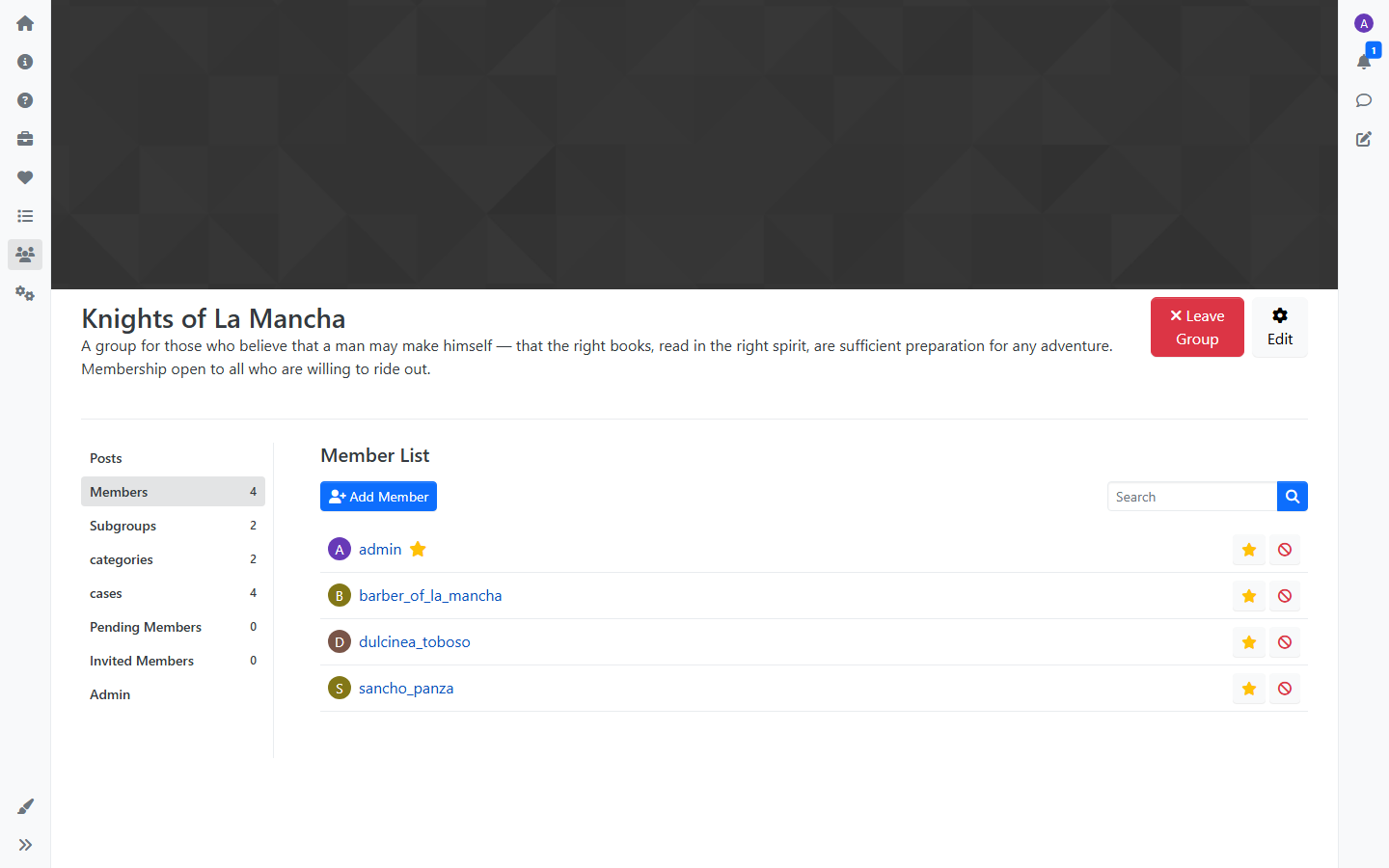
Members
Every Group has members and owners. Owners can manage the Group’s settings, content, and membership. Members can participate in the Group’s Categories and Cases.
Groups can be public (anyone can join) or private (membership requires owner approval). They can also be hidden, visible only to their members.
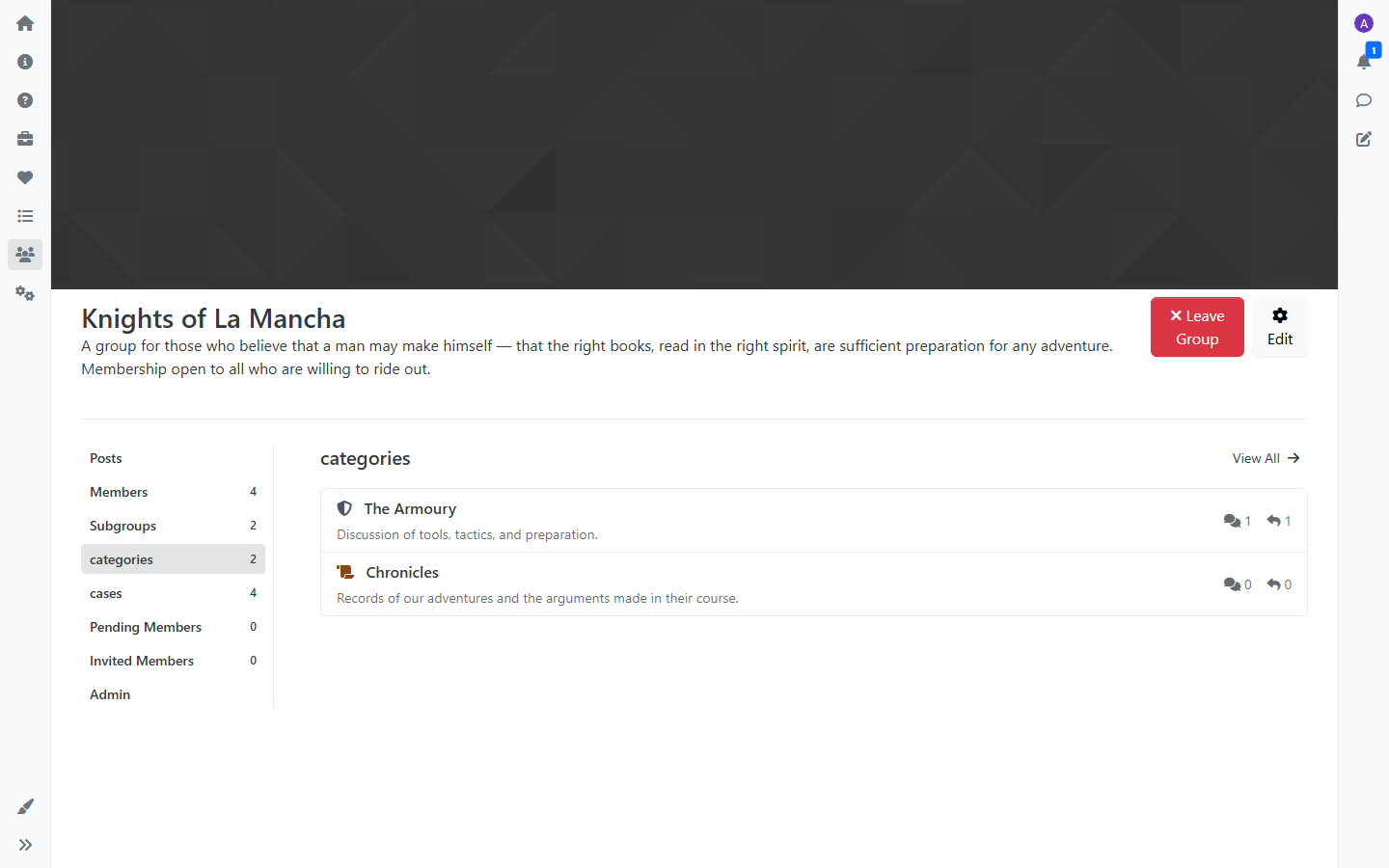
Categories
A Group can have its own Categories — discussion forums scoped to that Group. These work like categories on any forum: members create topics, reply to each other, and have conversations. The difference is that these Categories belong to the Group — only members can see and participate in them.
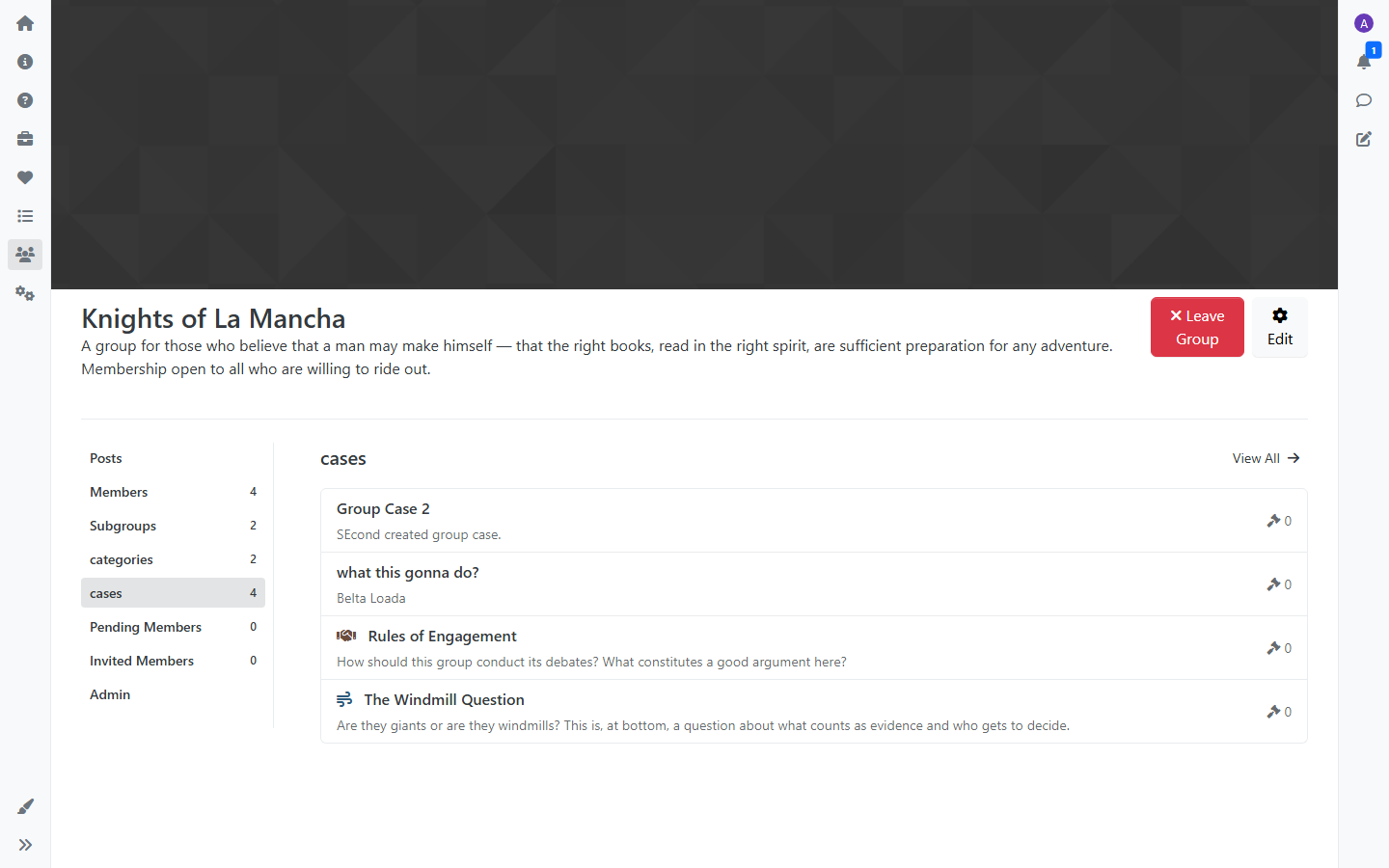
Cases
A Group can have its own Cases for structured argument. Cases and Claims work the same way as described in the Cases and Claims tutorial, but scoped to the Group. This lets communities run focused debates within their own space. Group-owned Cases only appear within their Group — they don’t show up in the platform-wide Cases listing.
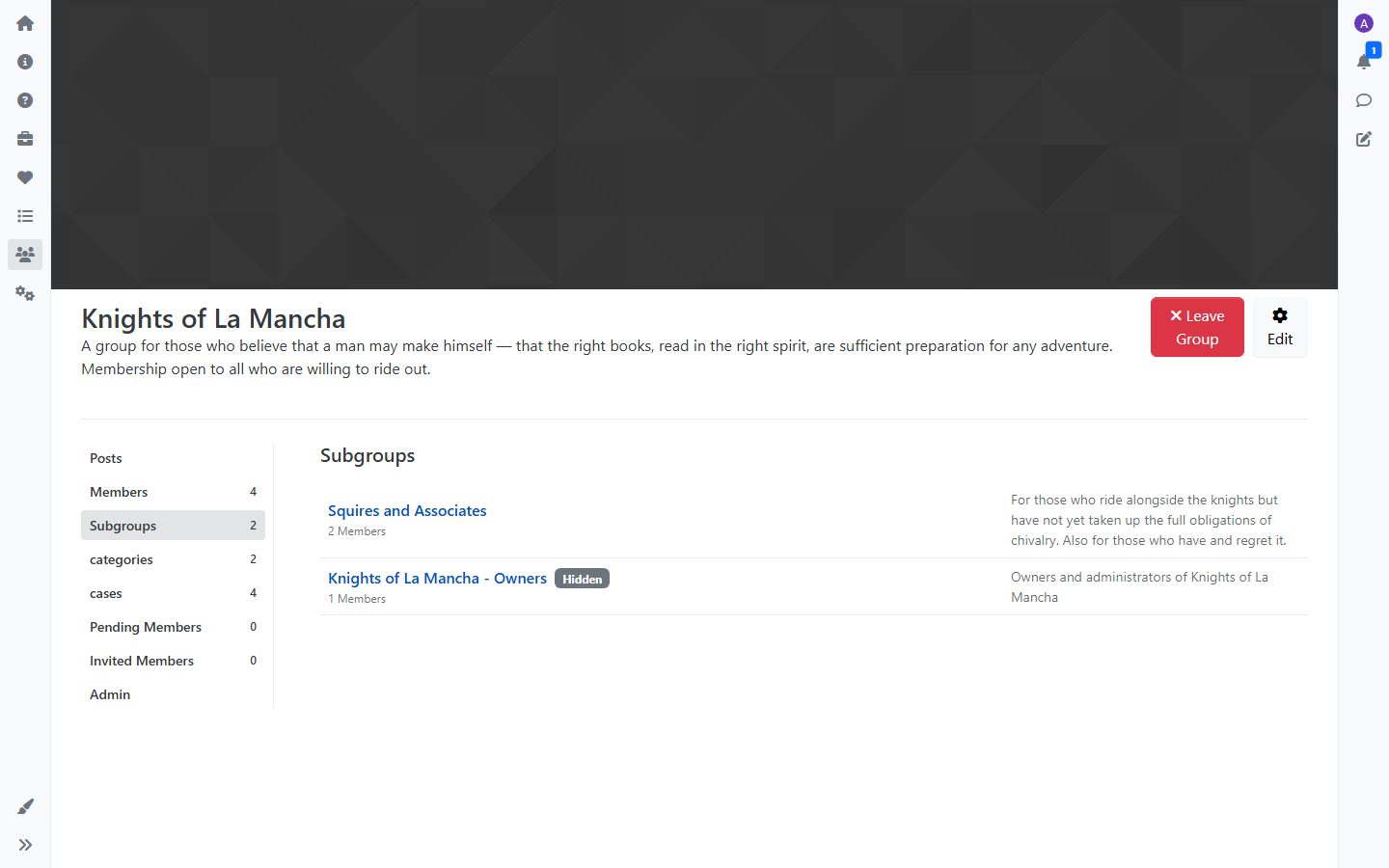
Subgroups
Groups can contain Subgroups, creating a hierarchy. A large community might have a top-level Group with Subgroups for different teams, topics, or regions — each with their own members, Categories, and Cases.
How Groups Organize Content
The hierarchy works like this:
- Group — the community space
- Subgroups — smaller communities within it
- Categories — forums for general discussion
- Topics — individual conversations
- Cases — questions that need argument
- Claims — positioned arguments for or against
This means a Group can have both traditional forum discussions (in Categories) and structured debates (in Cases) side by side. Different types of conversation get the structure that fits them.
Managing a Group
Group owners have an admin tab on the Group page where they can manage the Group’s content directly. From there, owners can:
- Create, edit, and delete Cases within the Group
- Create, edit, and delete Categories within the Group
- Manage membership — approve pending requests, invite members, and manage roles
- Set the Group’s cover photo, description, and privacy settings
This inline management means owners don’t need access to the site-wide admin panel to run their Group.
Membership and Access
Access to a Group’s content is tied to membership:
- Owners can manage the Group — settings, content, membership approvals, and invitations
- Members can view and participate in the Group’s Categories and Cases
- Non-members can see that the Group exists (unless it’s hidden) but can’t access its content
When someone requests to join a private Group, owners see the request in a pending queue and can approve or decline.
When to Use Groups
Groups make sense when a community needs its own space with its own membership and content. Some examples:
- A working group with its own discussions and debates
- A regional chapter of a larger organization
- A project team that needs both conversation (Categories) and decision-making (Cases)
- Any subset of a community that needs focused, members-only participation