Getting Started with the Argument Engine
A tour of the platform — users, groups, categories, cases, claims, chat, and how it all fits together.
What You Get
The argument engine is a full community platform. If you’ve used a forum before, much of this will feel familiar — and then some of it won’t. This tutorial walks through everything the platform provides.
The Landing Page
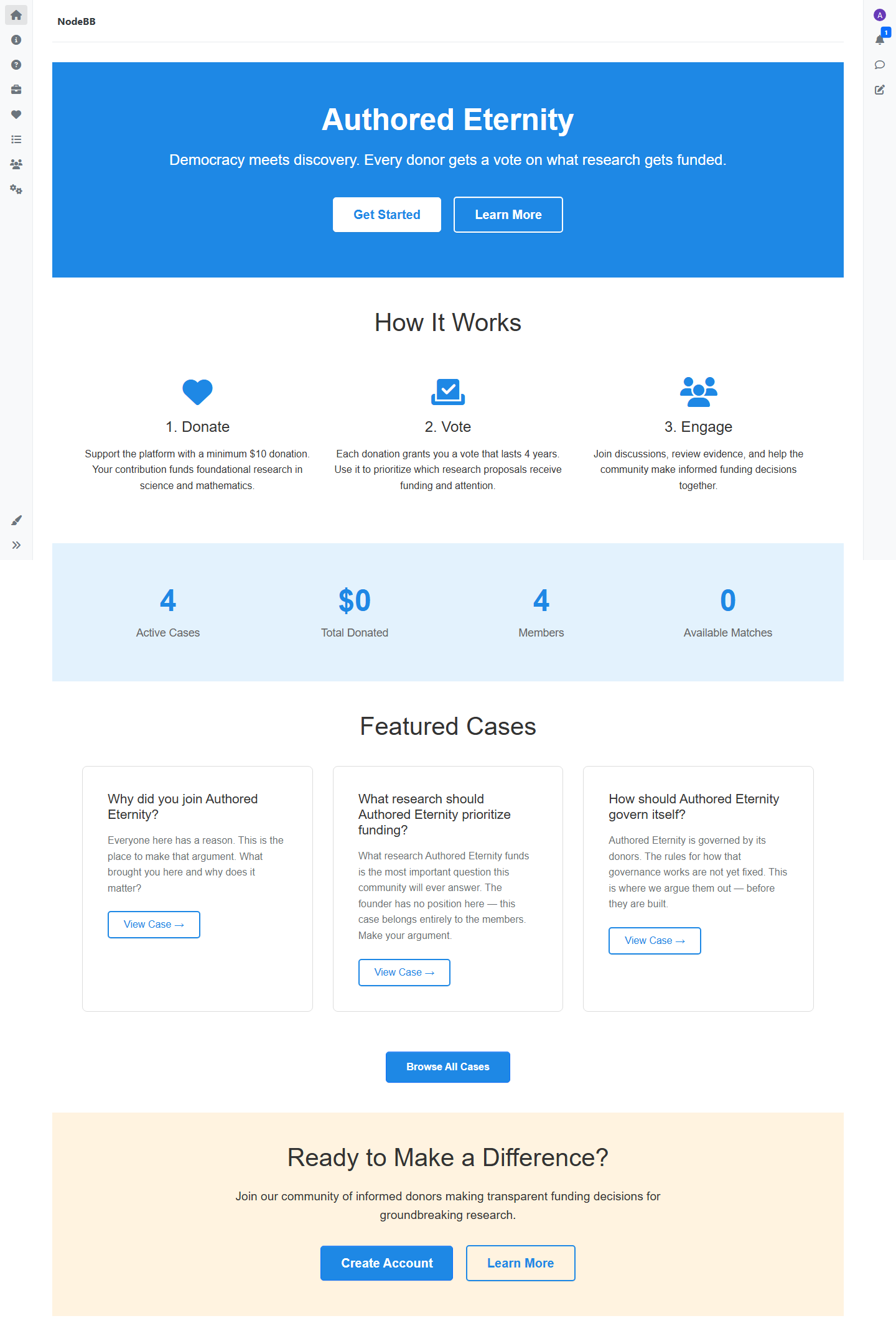
First-time visitors see a landing page with an overview of the community — active cases, donation stats, member count, and featured cases to explore. Once you’ve browsed around or logged in, subsequent visits take you straight to the content feed instead.
Users
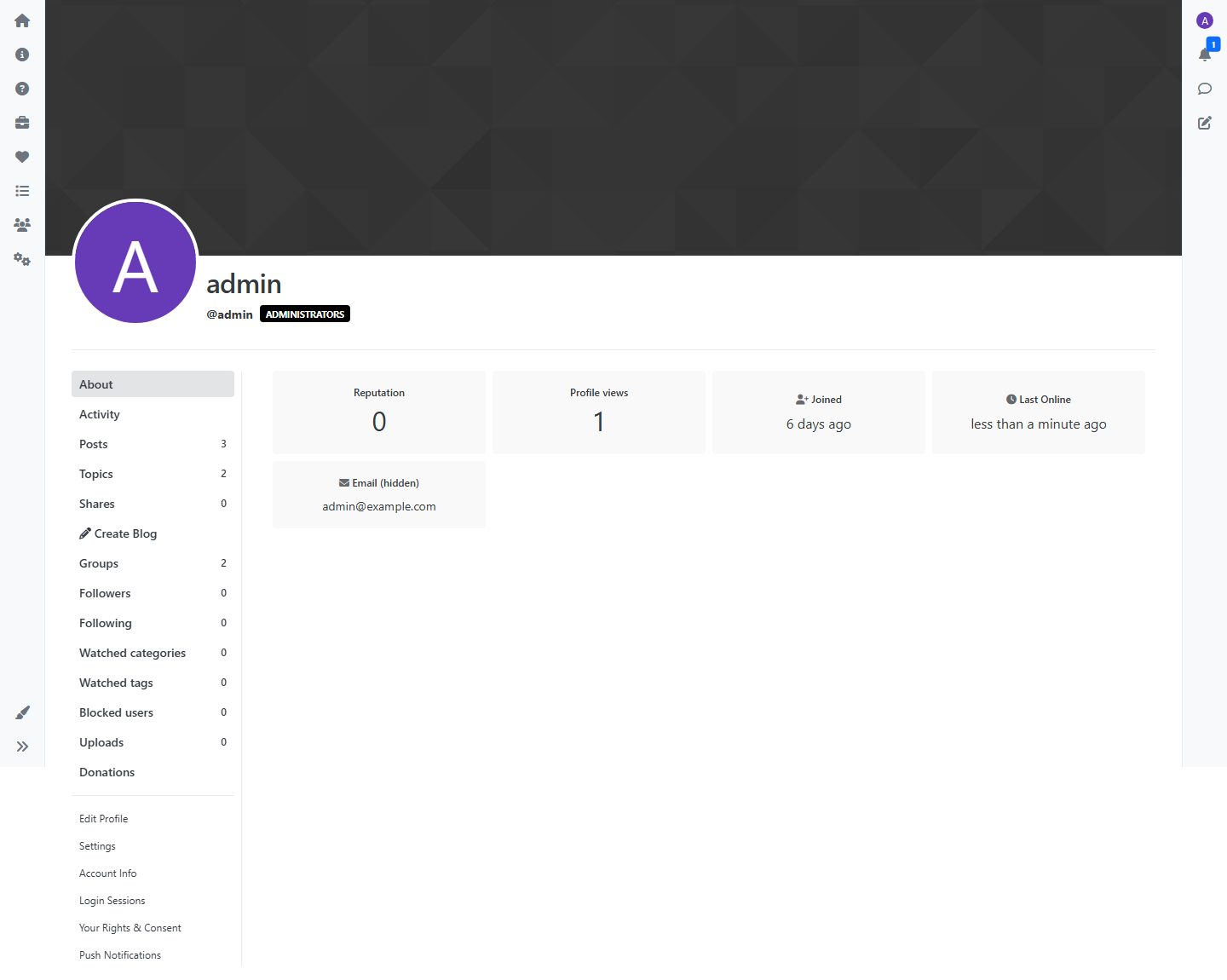
Users register, create profiles, and participate in the community. Each user has:
- A profile with an avatar, bio, and activity history
- Reputation based on community interaction
- Notifications for replies, mentions, and followed content
- The ability to follow other users
Groups
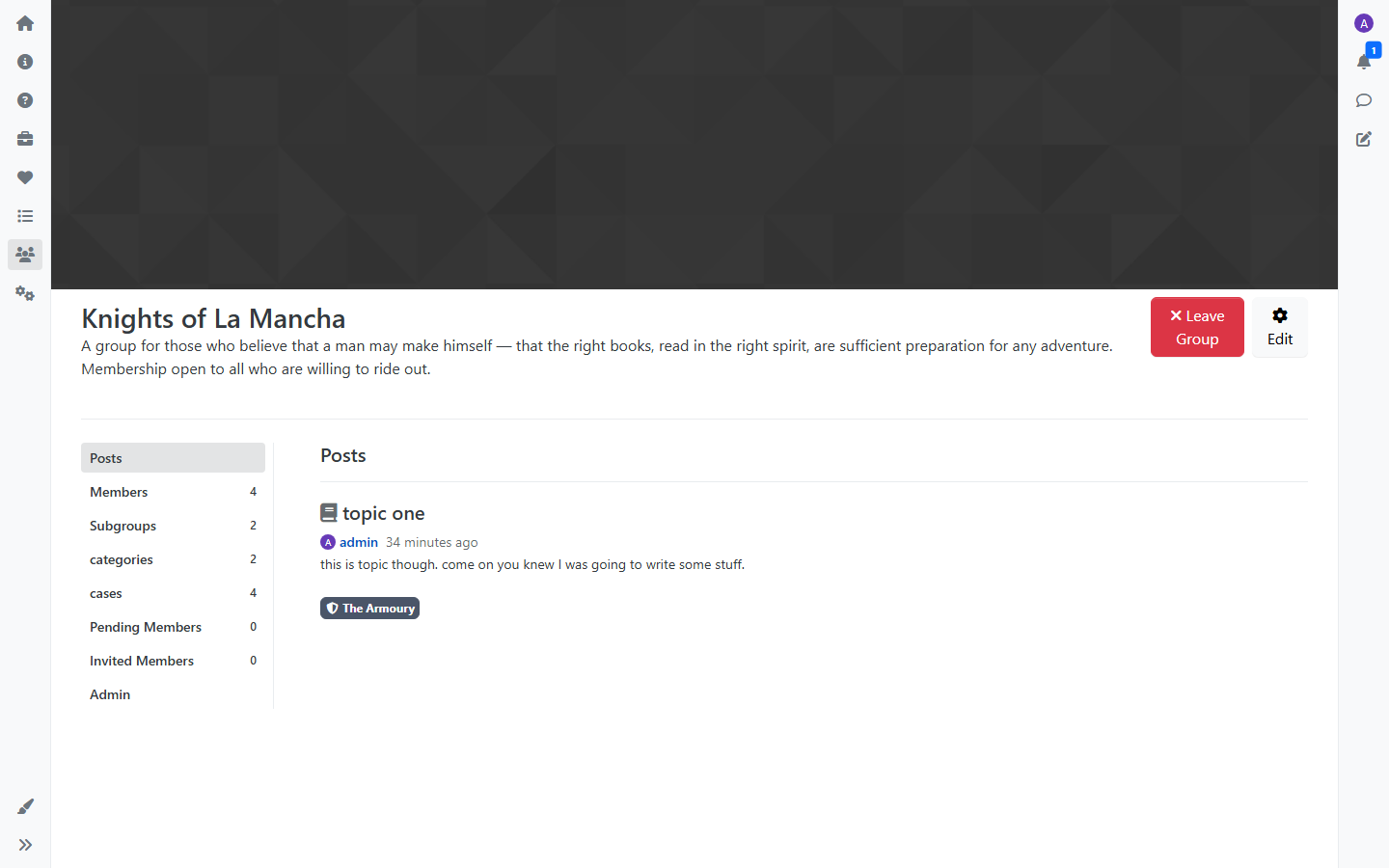
Groups are the primary way to organize a community. A Group is a space with its own members, content, and permissions. Groups can contain:
- Categories for forum-style discussion
- Cases for structured argument
- Subgroups for further organization
Groups can be public, private (join by approval), or hidden. See the Groups tutorial for the full picture.
Categories
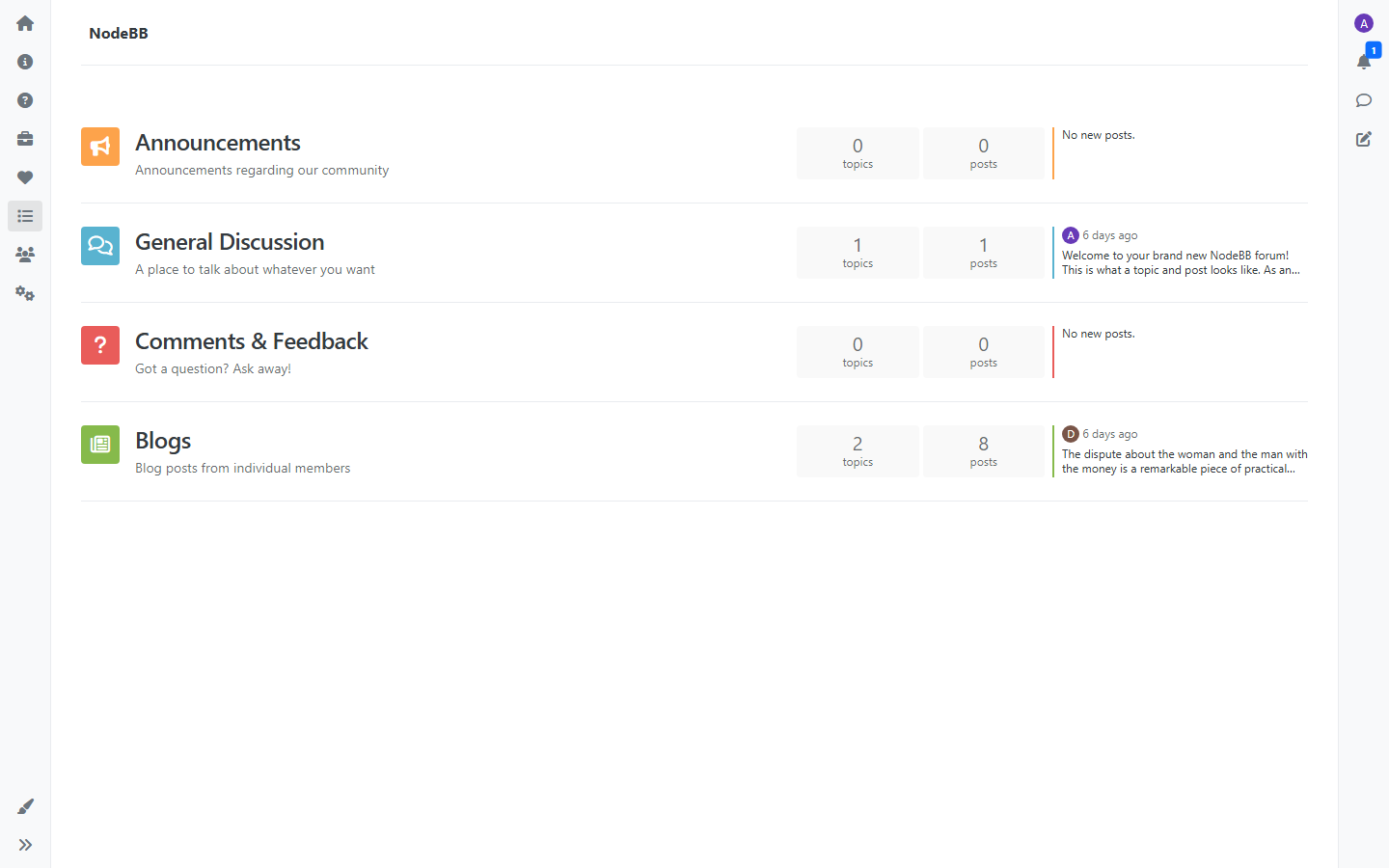
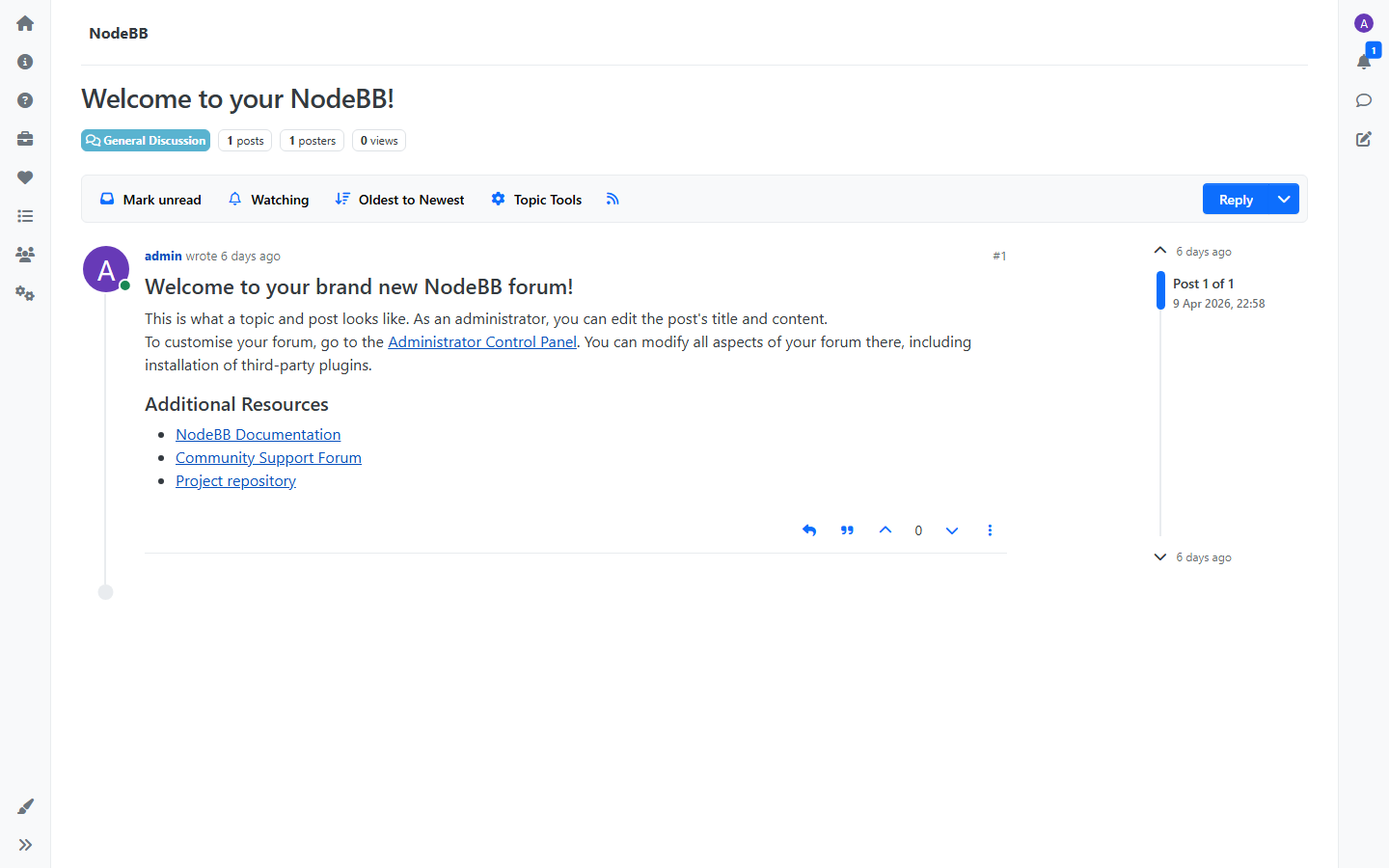
Categories are discussion forums. Members create topics, reply, and have conversations. Categories can belong to a Group (scoped to its members) or exist at the top level of the platform.
Within a category you’ll find:
- Topics — individual conversation threads
- Posts — replies within a topic
This is standard forum structure and works the way you’d expect.
Cases and Claims
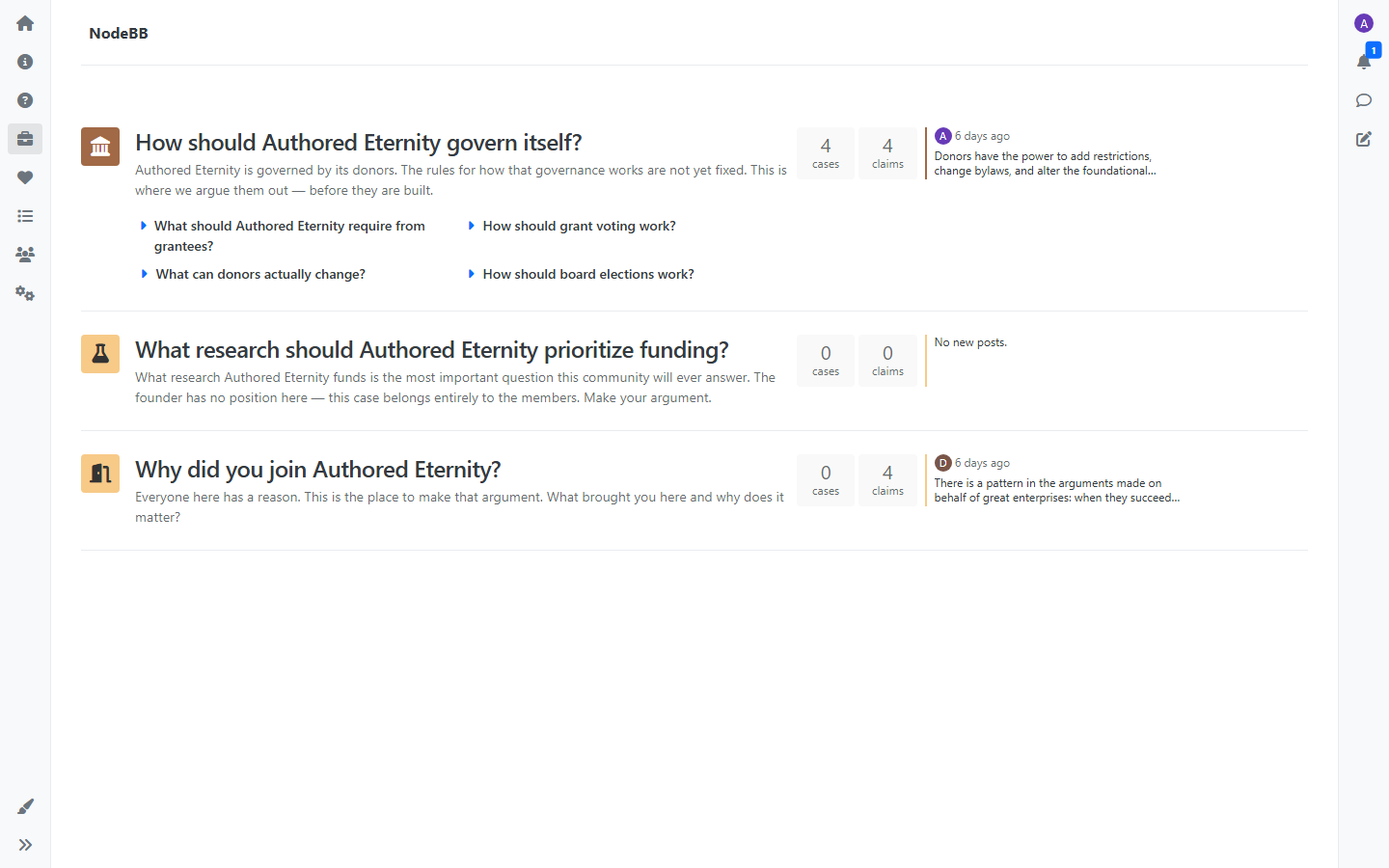
This is where the platform diverges from a traditional forum. Cases and Claims add structured argumentation on top of the usual discussion tools.
- A Case frames a question or topic that needs argument
- A Claim takes a position — for or against a Case
- Discussion lives under each Claim, keeping reactions tied to the specific argument they respond to
Cases can nest, Claims can be forked and refined, and arguments persist over time. See the Cases and Claims tutorial for details.
Funding
The platform includes a donation and matching system. Donors contribute directly and can also contribute to a matching pool. The matching pool uses a slot-based system — donations create matching opportunities that are consumed on a first-come, first-served basis. Members vote on how matched funds are allocated to research, with voting cycles that run over configurable periods.
See the Funding tutorial for the full details on donating, matching, and voting.
Chat
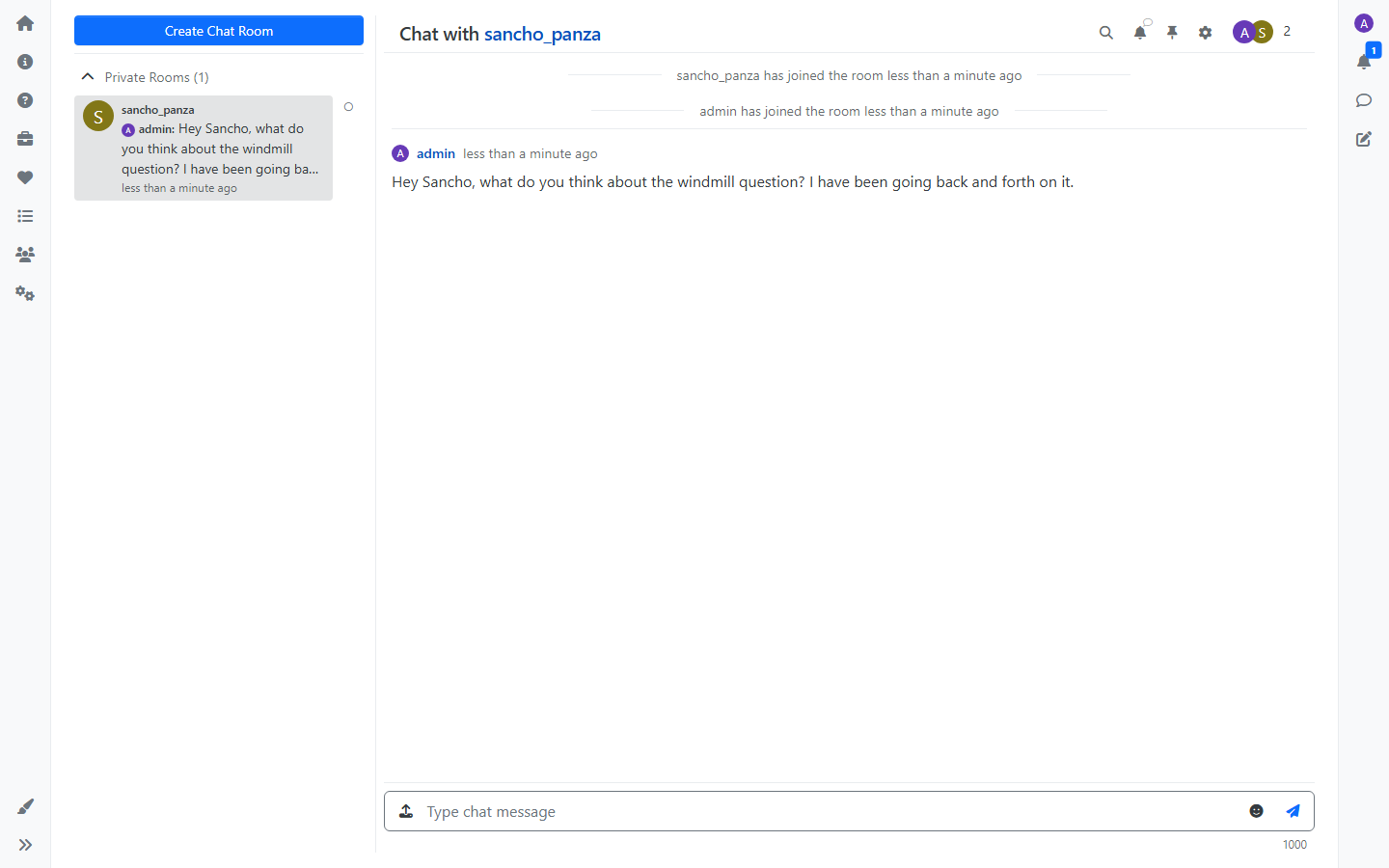
The platform includes real-time chat for direct conversations between users. Chat is separate from forum discussions and argument — it’s for quick, informal communication that doesn’t need to be part of the public record.
Notifications
Users receive notifications for activity relevant to them:
- Replies to their topics, posts, or claims
- Mentions by other users
- Activity in content they follow
- Group membership updates
Administration
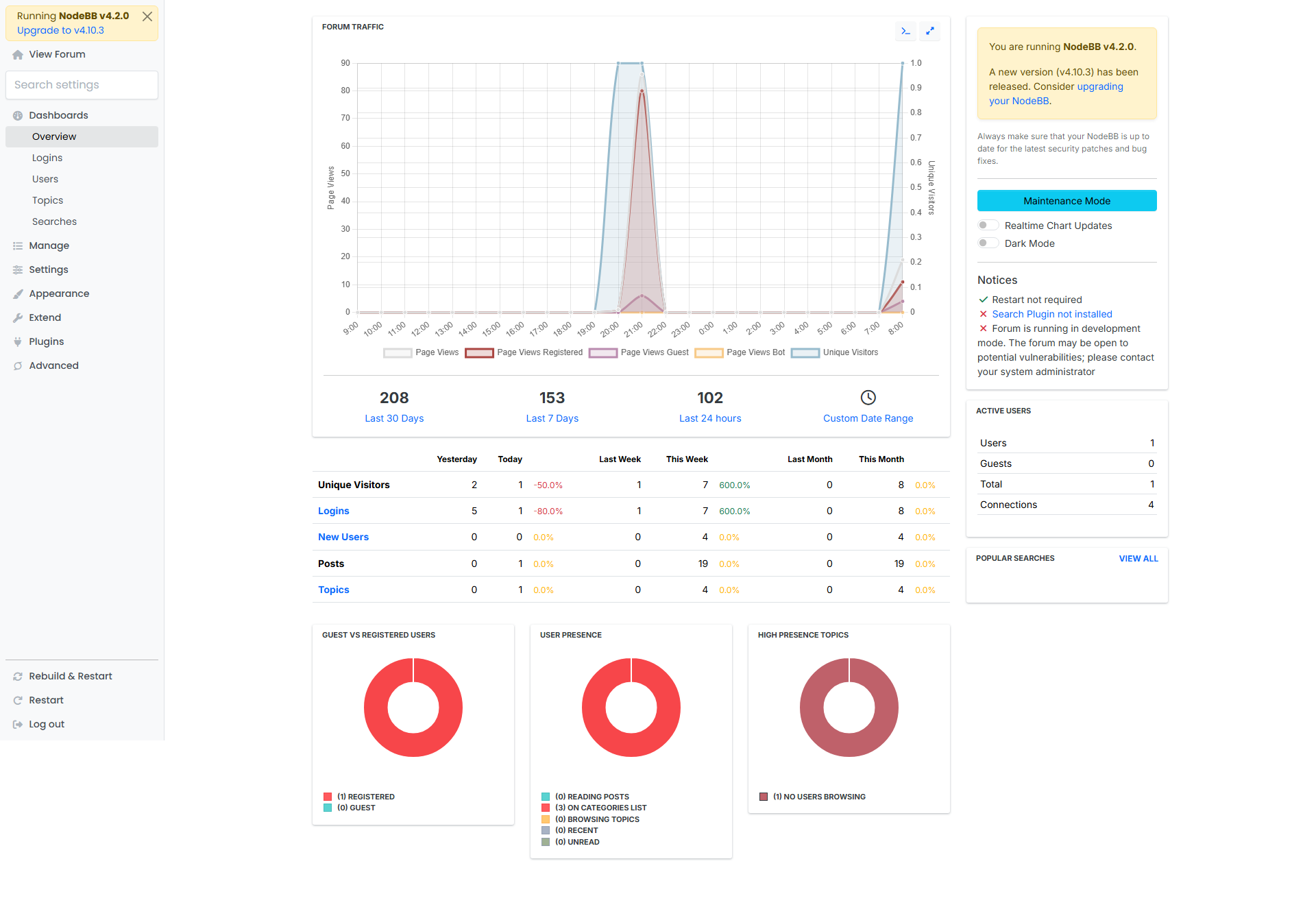
The platform includes an admin panel for managing:
- Users and permissions
- Categories and Groups
- Site settings and appearance
- Plugins and extensions
How It Fits Together
The simplest way to think about the platform:
- Groups organize people and content
- Categories give those people a place to discuss
- Cases and Claims give them a place to argue
- Funding lets the community direct resources toward research
- Chat gives them a way to talk directly
Everything else — notifications, profiles, reputation, admin tools — supports those core pieces.